
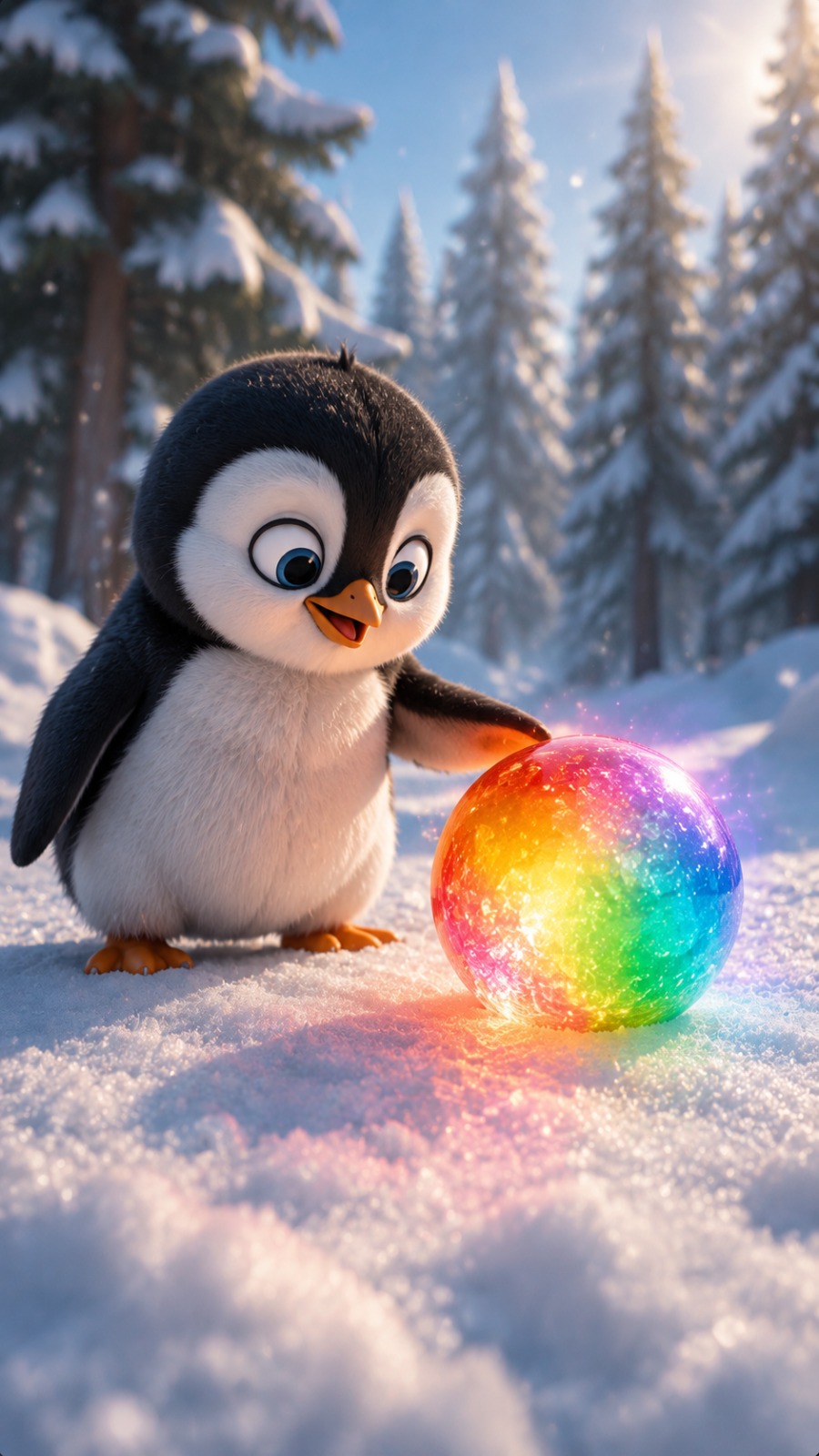
Create a high-quality cinematic 3D animated short video. Format: Vertical 9:16 Duration: 10 seconds Style: Pixar-inspired 3D animation… — a ready-to-use prompt for detailed AI video generation.
AI Video Prompt
Create a high-quality cinematic 3D animated short video. Format: Vertical 9:16 Duration: 10 seconds Style: Pixar-inspired 3D animation, ultra-detailed character design, soft cinematic lighting, realistic snow physics, expressive cute character animation. SCENE: A small adorable penguin stands alone in a peaceful snowy pine forest. Environment: - Thick white snow covering the ground - Snow-covered pine trees in the background - Soft winter daylight - Calm magical atmosphere - Slight snowfall particles in the air - Cinematic depth of field CHARACTER: One penguin only. Appearance: - Small cute body - Round fluffy shape - Black and white feathers - Large expressive eyes - Small orange beak - Short orange feet - Soft detailed feather texture Personality: Curious, innocent, playful, and excited. Maintain the same penguin appearance throughout the entire video. --- ## STORY SEQUENCE ### BEGINNING (0–3 seconds) Camera starts with a low-angle cinematic shot. The penguin stands on the snowy ground. A small red ball is placed in front of the penguin. The penguin looks at the ball with curiosity. The penguin slowly walks closer. Body language: - head tilts slightly - eyes focus on the ball - small careful steps in snow Snow moves naturally under its feet. --- ### MIDDLE (3–7 seconds) The penguin gently touches the red ball. As the penguin interacts with it, the ball begins a magical transformation. The red ball changes color smoothly: Red → Green → Yellow → Rainbow colors The transformation should look magical but realistic. Show: - soft colorful reflections on snow - gentle glowing colors - penguin surprised expression - wide eyes - happy reaction The penguin moves around the ball excitedly. --- ### ENDING (7–10 seconds) The ball becomes a beautiful rainbow-colored magical sphere. The penguin happily stands beside it. The camera slowly moves closer. Final shot: The penguin and glowing rainbow ball are centered in the snowy forest. Create a warm magical ending. --- # CAMERA MASTER Camera style: Cinematic animated camera. Lens: 35mm cinematic lens. Angle: - Low character-level perspective - Slight upward angle toward penguin Movement: - Slow forward push-in - Smooth tracking movement - Gentle focus shift between penguin and ball No: - cuts - scene changes - camera shake - sudden zoom --- # LIGHTING MASTER Lighting: - Soft winter daylight - Cool snowy environment - Warm magical glow from rainbow ball - Realistic reflections on snow - Soft shadows Avoid: - harsh lighting - unrealistic neon effects - overexposed glow --- # AUDIO MASTER No dialogue. Audio: 0–3 sec: - soft winter wind - snow footsteps 3–7 sec: - magical sparkle sound - soft transformation sound 7–10 sec: - gentle fantasy ambience - peaceful winter atmosphere No narration. --- # REALISM & PHYSICS RULES - Penguin feet must interact naturally with snow. - Snow should compress under footsteps. - Ball must remain physically grounded. - Color transformation should smoothly affect the ball surface. - Light from magical ball should reflect on snow. - Feather movement should be natural. - No floating objects. --- # NEGATIVE PROMPT ```text extra penguins, duplicate characters, changing penguin design, different colors, bad anatomy, human features, unrealistic snow, fake feathers, floating ball, random objects, extra animals, scary style, horror, low quality, blurry animation, broken physics, distorted face, extra limbs, text, logo, watermark

Social Plugin